You're right to pause: a timeout only means the Agent did not get confirmation. It does not show whether Busabase accepted the change. First check the Inbox and the Base's change history around that time. If you find the same proposed change, use that Change Request rather than submitting another copy.
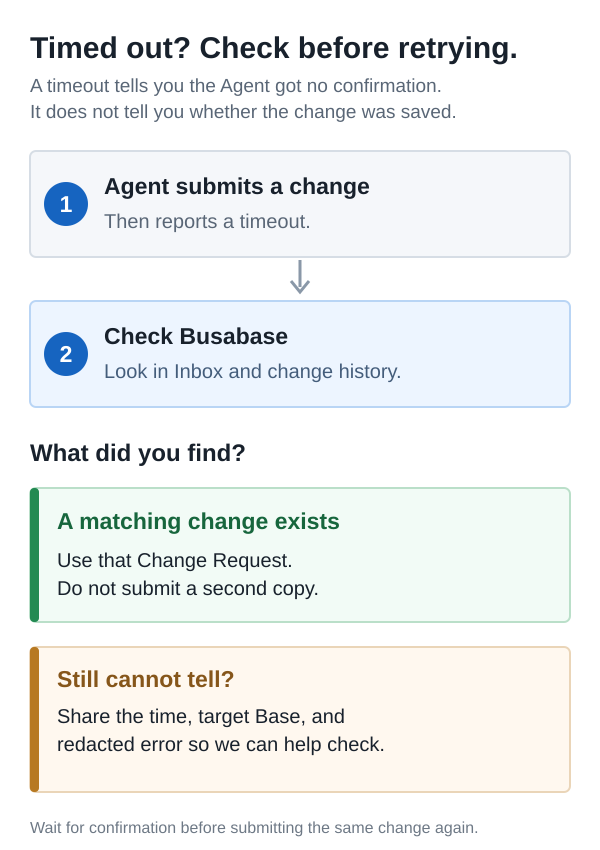
If you still cannot tell what happened, send us the approximate time, target Base, and a screenshot of the Agent error with secrets hidden. We can help locate the first request before you retry.
For someone building the Agent connection: the API has an optional retry identifier called idempotencyKey. The calling program sets it on its first attempt and reuses it if it needs to retry. It is not an API Key or something you enter in the Busabase UI. It works for record creation and batch updates; the ordinary single-record update does not support it today. A task ID sent only after the timeout cannot find the earlier request.
Related: the same question in Chinese.

