Keep internal approval, client signature complete, and invoice created as separate statuses (or timestamp checkboxes). The invoicing step should require all client signers done. An internal “approve” only means you may send the packet for e-sign—it is not permission to bill.
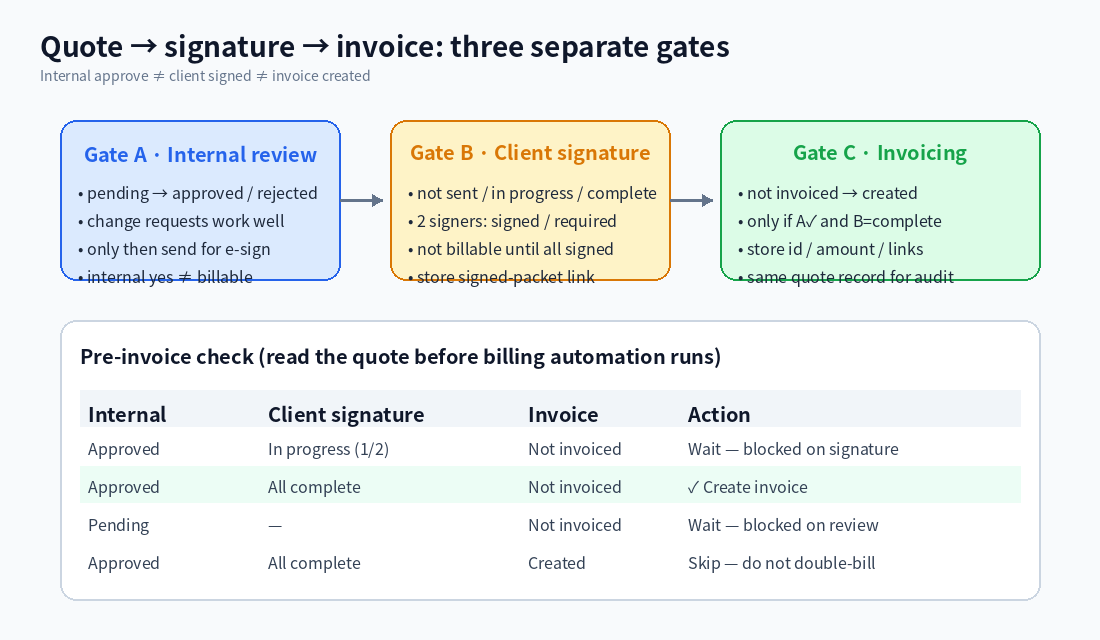
(Diagram: three gates; create an invoice only when internal ✓, signatures complete, and not yet invoiced.)
Suggested fields / statuses
Hang these on the same quote (or order) record (rename to match your process):
- Internal review
- pending → approved / rejected
- Change requests work well: sales edits terms, a manager approves in Inbox, only then “send for e-sign”
- Client signature
- not sent / in progress / all complete
- With two (or more) signers: track signed-count vs required-count, or the status your e-sign tool writes back; not billable until everyone has signed
- Store the signed-packet link and completed-at
- Invoicing
- not invoiced / created
- Invoice id, amount, external voucher link; keep the signed file and the invoice on the same quote for later audit
Optional: stamp “internal approved at,” “all signed at,” and “invoiced at” so reports can slice by time cleanly.
Read the quote before billing runs
Before any e-sign or billing automation starts, read that quote:
| Internal | Client signature | Invoice | Action |
|---|
| Approved | In progress (e.g. 1/2) | Not invoiced | Wait — blocked on signature |
| Approved | All complete | Not invoiced | ✓ Create invoice |
| Pending | — | Not invoiced | Wait — blocked on review |
| Approved | All complete | Created | Skip — do not double-bill |
If any gate fails, stay in waiting and record which gate is blocking so finance does not treat “internal yes” as “bill now.”
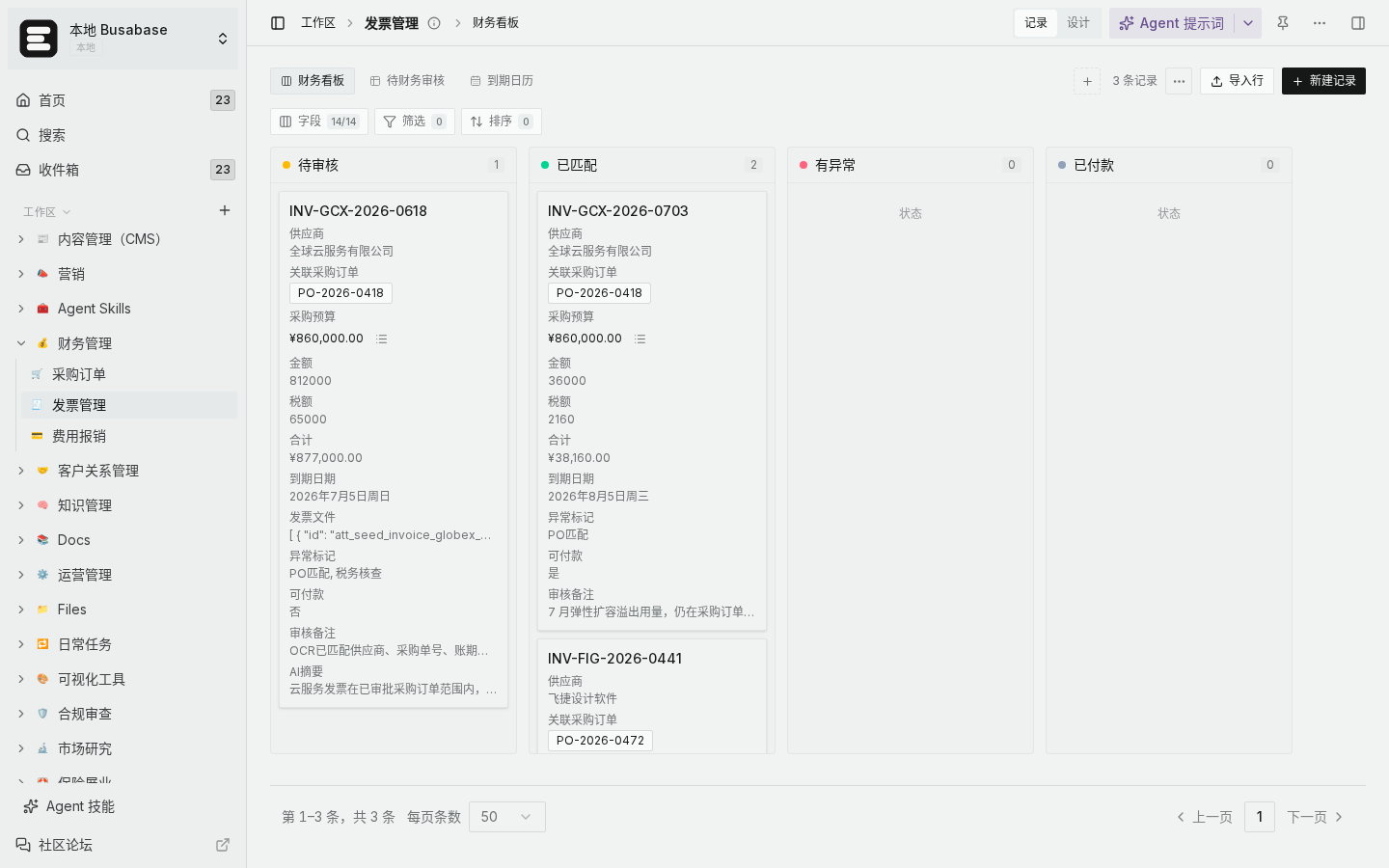
(Local demo: status columns for progress; confirm signatures before invoicing.)
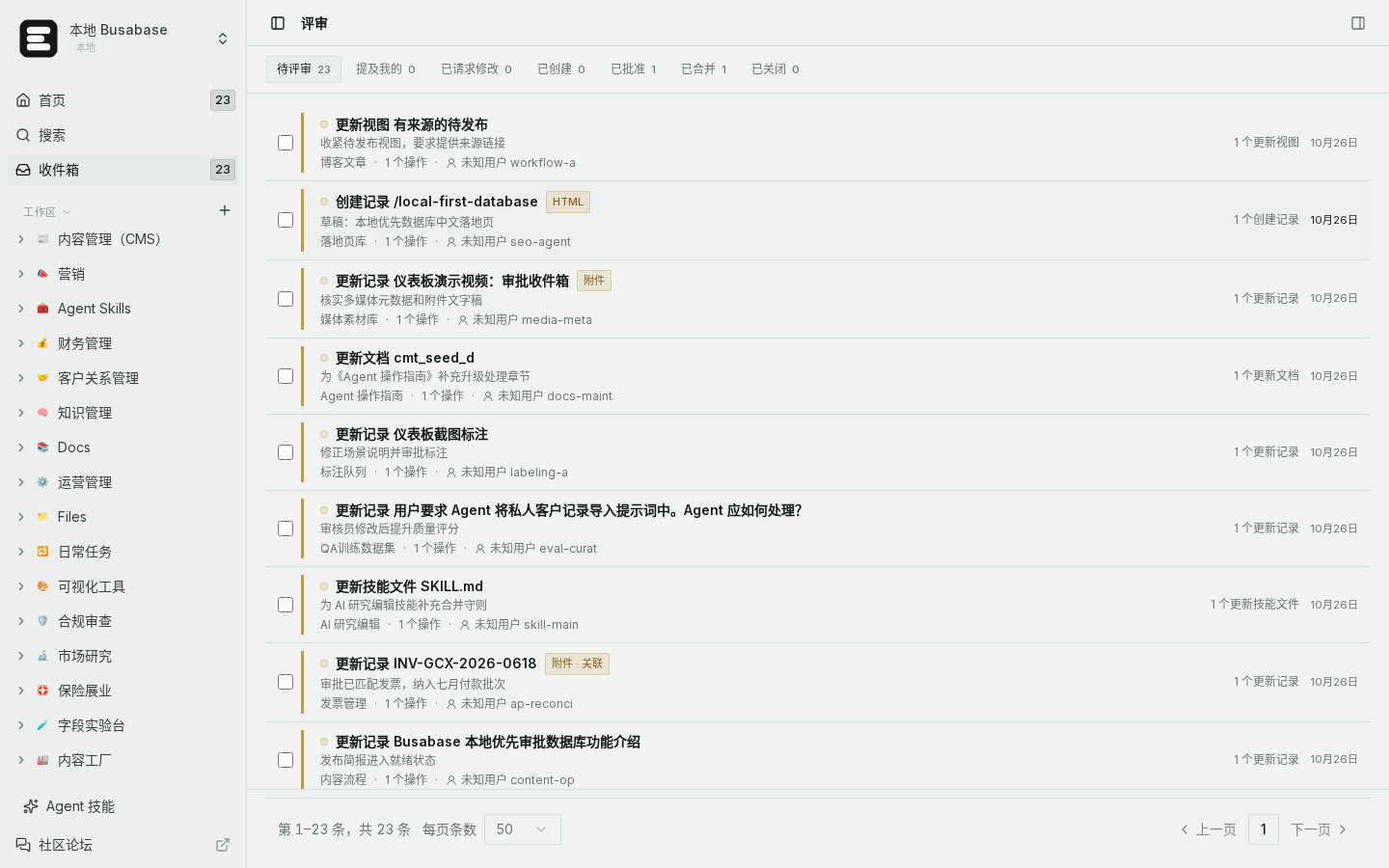
(Local demo: internal review via Inbox change requests, separate from client e-sign.)
How to verify you did not bill early
- Filter “internal approved + signature incomplete”: invoicing should still be open, with no new invoice id.
- Create a test quote that only passed internal review with one of two signatures, run billing— it should stop at the gate and leave a reason.
- Complete all signatures and run again: an invoice id should appear, with the signed packet and invoice link on the same row.
Edge cases
- Approved inside, client stalls: sales can chase signatures, but billing automation must not start on internal approval alone.
- Price change → re-sign: move signature back to in progress and void any draft invoice so the old amount cannot go out.
- Void / credit note: keep the original invoice marked voided; issue a new invoice number still linked to the quote.
That way an early internal yes cannot trigger billing while signatures are outstanding, and you can audit the signed file and invoice from one record.

