Treat each quantity band as its own row, not as extra columns on the service. That way a new tier is a new record—not a schema change.
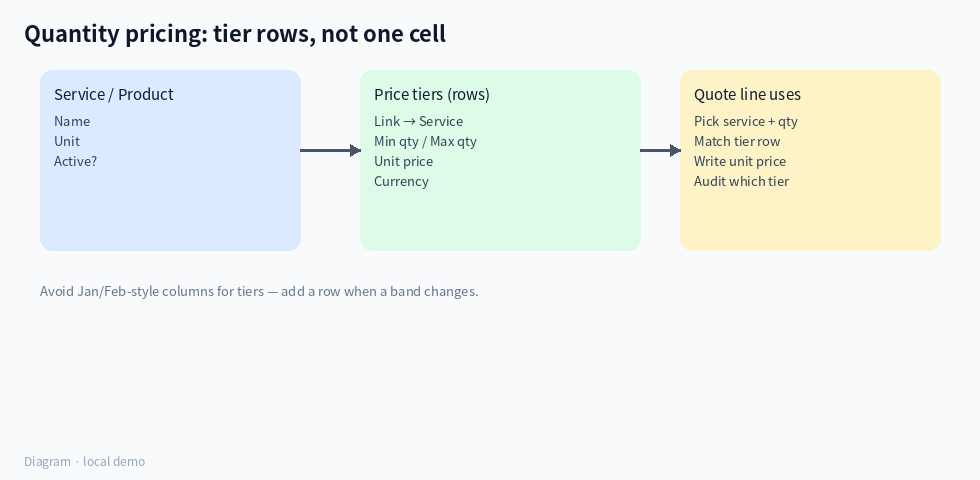
(Diagram: service → tier rows → quote line picks a tier.)
Suggested tables
1. Service / product
Name, unit, whether it is active.
2. Price tiers (one row per band)
- Link to the service
- Min quantity, max quantity (leave max empty for “and above”)
- Unit price, currency
- Optional: valid-from / valid-to if prices change over time
3. Quote (or order) line
Service, quantity, matched unit price, and optionally a link back to the tier row that was used—so you can audit why that price applied.
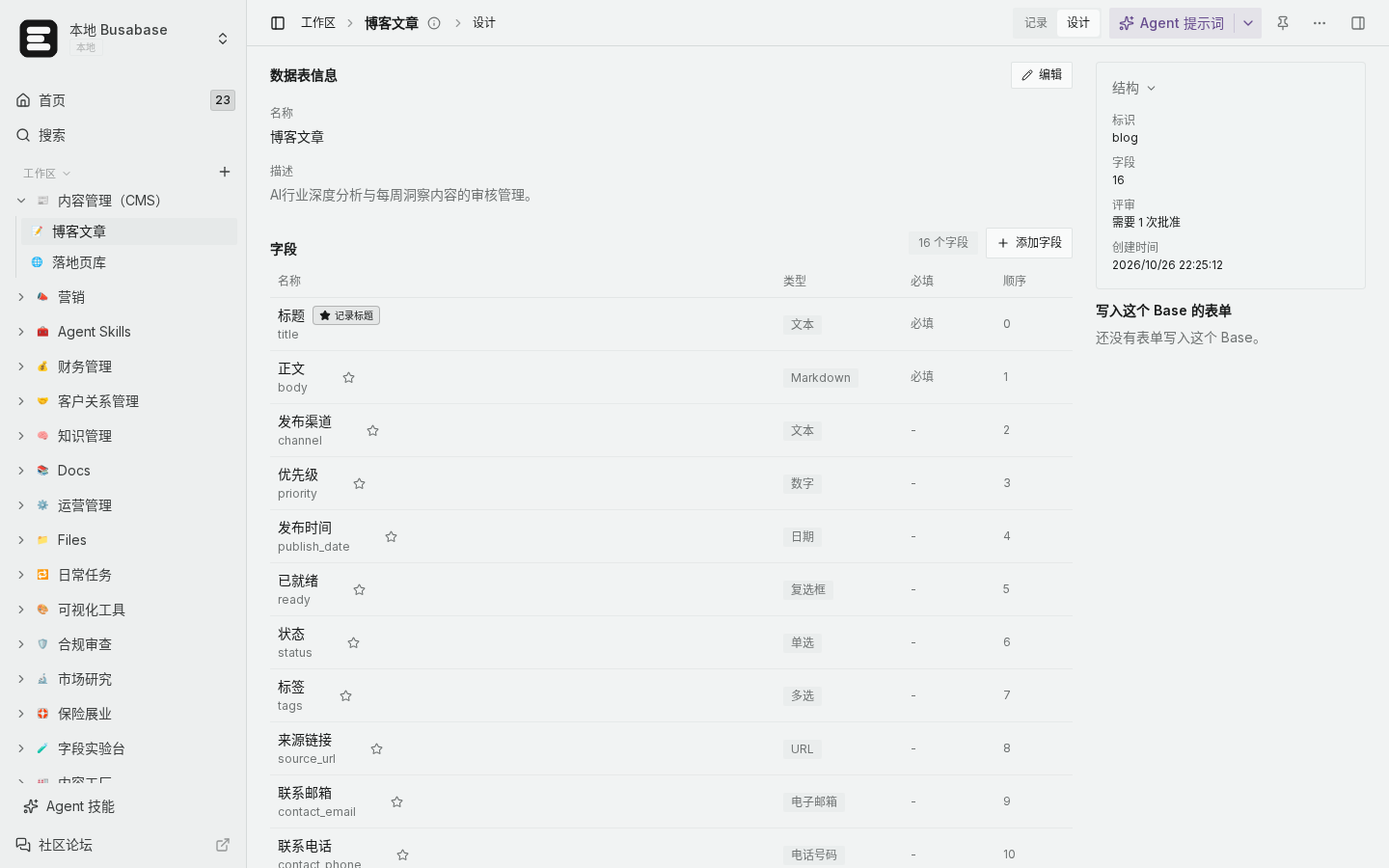
(Local demo: keep tier bounds and price as separate fields on the tier table.)
How to use it day to day
- When quoting, enter the service and quantity.
- Find the tier where
min ≤ qty ≤ max (or “and above”). - Copy that unit price onto the quote line (Agent can do this; a person can still override with a note).
- Totals = qty × unit price on the line—don’t store three competing “amount” meanings in one cell.
How to verify
- Open the tier table filtered to one service: bands should not overlap, and should cover the quantities you sell.
- Pick a sample qty (e.g. 12) and confirm only one tier matches.
- On an old quote, the stored unit price should still match the tier that was valid then (if you version by date).
Boundaries
- Excel-style “Price 1–9 / Price 10–49” columns force a redesign every time marketing adds a band.
- Overlapping bands make Agent (and humans) guess—fix overlaps before go-live.
- Currency belongs on the tier or the quote header; don’t mix currencies in one price field without a currency column.
This pattern stays readable as you add services and bands, and quote history stays explainable.

