For early effort ranges like 80–120 hours, store uncertainty in numbers, not as a single agreed figure. Use separate numeric fields for the low and high estimates, keep an explicit status for “range vs confirmed,” and only promote a midpoint when you mean it.
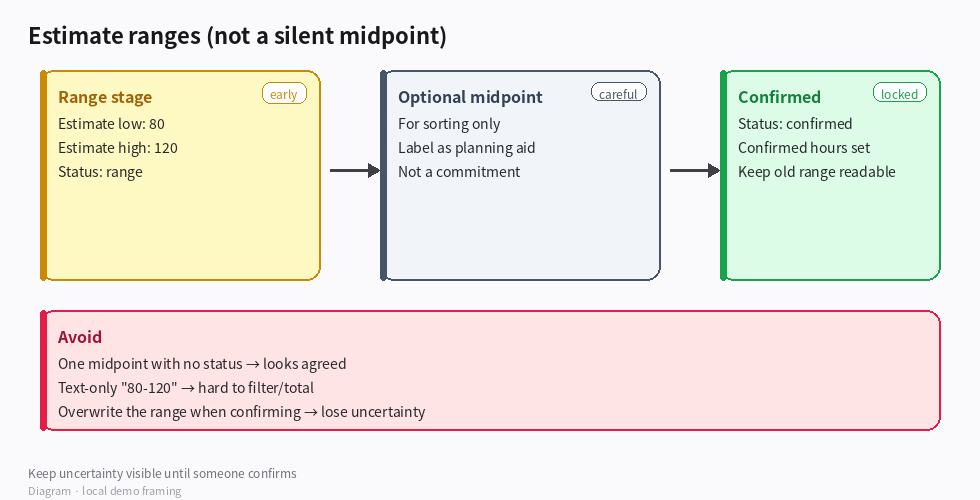
(Diagram: low / high range fields, then a confirmed estimate later.)
Suggested model
1. On the project (or estimate) record
- Estimate low (number) — e.g. 80
- Estimate high (number) — e.g. 120
- Estimate status:
range / confirmed / obsolete - Optional Planning midpoint (number) — for rough portfolio sorting only; label it so nobody treats it as a commitment
- Optional Confirmed hours (number) — filled only when status becomes
confirmed
Keep the original range even after confirmation if you still need audit history; or snapshot the range in a short note field when you lock the number.
2. Comparing and summarizing
- Filter or sort by low/high when you care about risk bands.
- If you must rank many projects, sort by midpoint and show the range in the same view so uncertainty stays visible.
- Portfolio totals: sum confirmed hours separately from “still a range” items — don’t silently add midpoints into a committed capacity number.
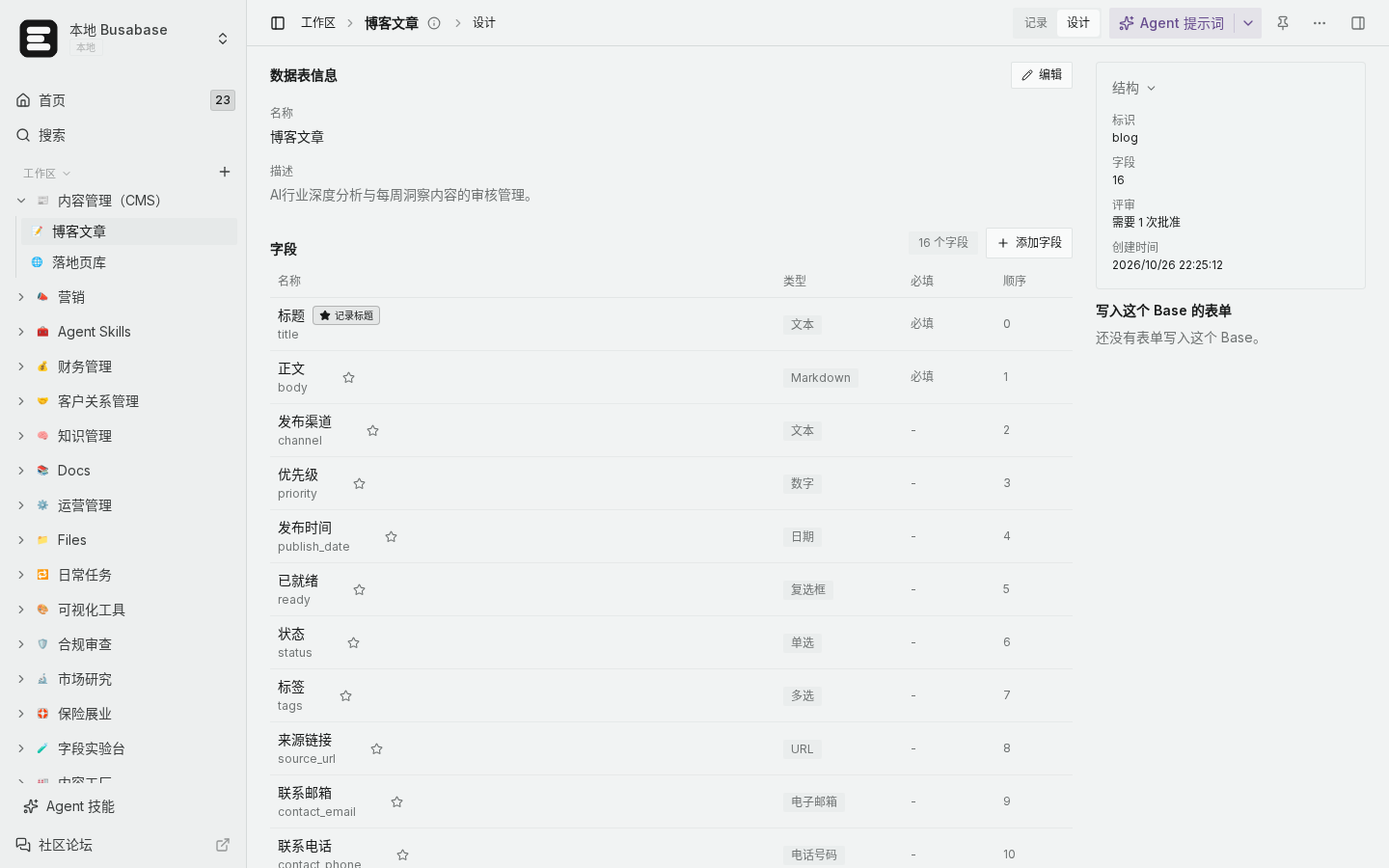
(Local demo: numeric fields in Base design so ranges stay filterable.)
How to confirm you didn’t erase uncertainty
- Open an early project: low and high are both filled; status is
range. - Midpoint (if used) is clearly not the only visible number.
- After the team agrees a figure: status →
confirmed, confirmed hours set; the old low/high still readable or noted. - A “committed capacity” view should exclude
range rows or show them in a separate column.
Boundaries
- Text-only
"80-120": hard to filter, sort, or total. - One number taken as the midpoint with no status: looks like agreement when it isn’t.
- Overwriting the range when confirming: you lose how wide the uncertainty was.
Example goal for an Agent
Add estimate low, estimate high, and estimate status (range / confirmed). Allow an optional midpoint for sorting only. When status is confirmed, store confirmed hours without deleting the original range.
That way comparisons stay honest: ranges stay ranges until someone deliberately confirms a number.

