Import parents before children, using stable keys you can match on. Import creates new rows—it does not upsert by itself—so get identifiers right before you build link fields.
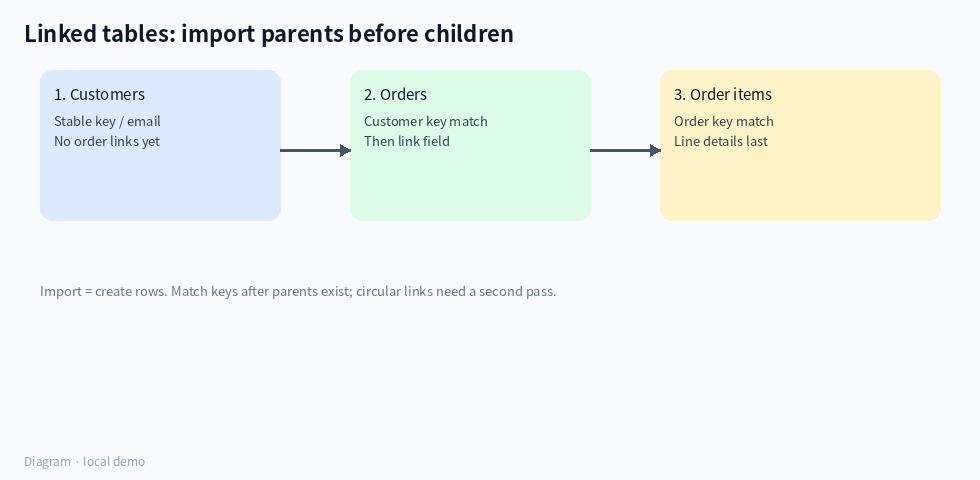
(Diagram: customers → orders → order items.)
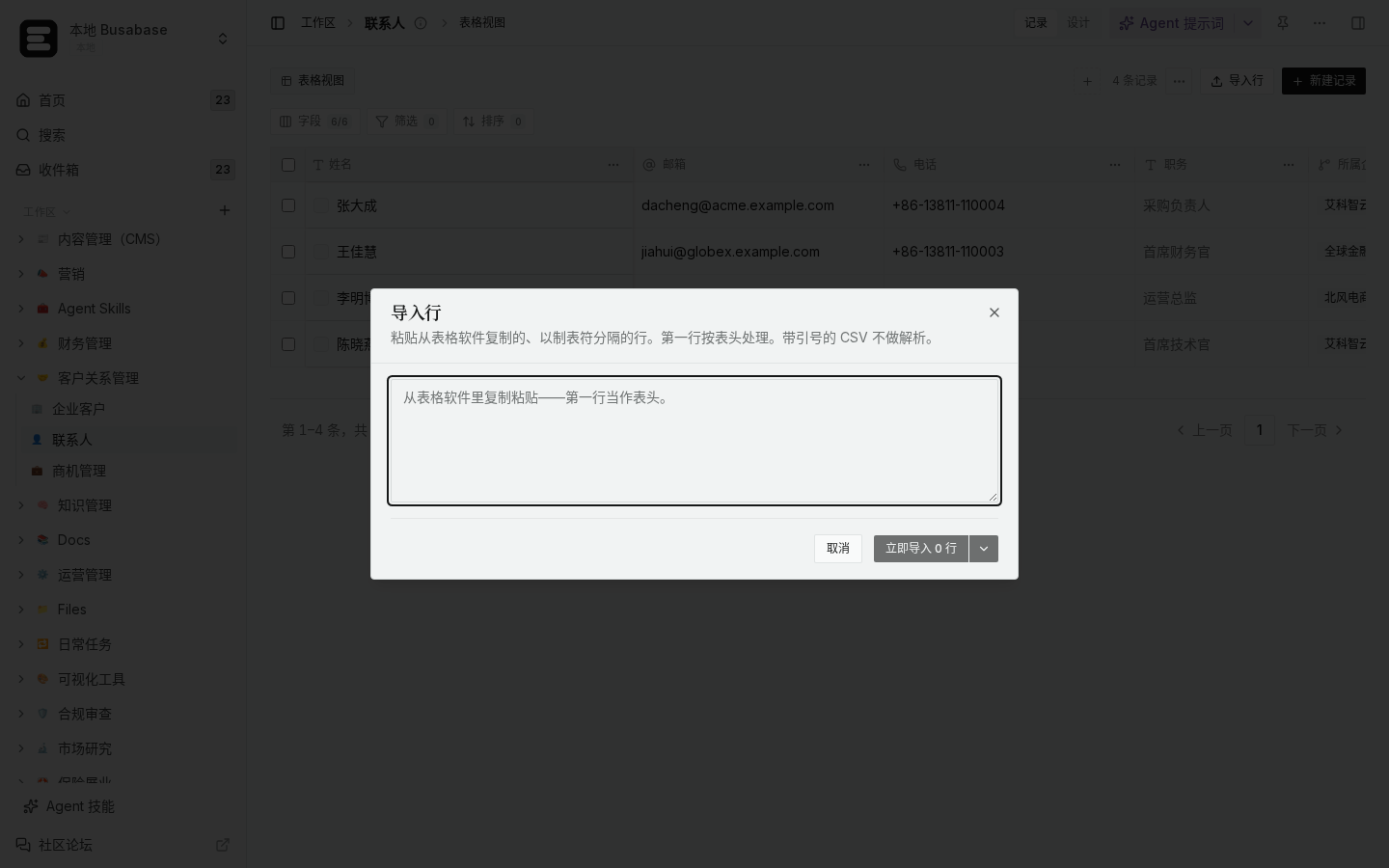
(Local demo: import dialog adds rows; plan key columns before linking.)
Practical order (your example)
- Customers — include a stable key (external id or email).
- Orders — include customer key; after import, fill the link field by matching that key (Agent or a careful manual pass).
- Order items — include order key; then link to orders the same way.
If A links to B and B also links back to A, import one side first, then run a second pass to fill the reverse links.
How to verify
- Spot-check: an order’s linked customer matches the key you imported.
- Item counts per order match the spreadsheet.
- Orphans (orders with empty customer link) get a saved view so you can fix them.
Boundaries
- Children first → links have nothing to point to.
- Re-importing the same sheet without keys creates duplicates (see earlier forum guidance on import ≠ upsert).
- Display names alone are weak keys if two customers share a name—prefer ids/emails.
Keys first, links second, children last.
Checklist before you click import
- [ ] Parent keys unique in the sheet
- [ ] Child rows reference those keys exactly (watch spaces / case)
- [ ] Link fields created on the Base, empty until parents exist
- [ ] A view named “Orphan links” for empty relation fields after the pass
Prompt you can give an agent
Import customers, then orders, then items from these sheets. Match on external id. Fill relation fields after each parent import. List any keys that did not match—do not create duplicate parents.
Order of operations matters more than speed here.

